Tech Talks
Beyond the Search Bar: How Glide AI is Killing the "Admin Hour" for Small Businesses
Swift Struck
3 min read
May 5, 2026
In most traditional businesses, the workday doesn’t actually end when the "work" is done.
There is an invisible, soul-crushing hour that happens at the end of every shift. We call it the Admin Hour. It’s when your field technicians sit in their trucks typing up handwritten notes, or your warehouse manager manually enters line items from a crumpled paper invoice into a spreadsheet.
For years, businesses accepted this as the "cost of doing business." But with the recent evolution of Glide AI, that cost has officially dropped to zero.
The Feature: More Than Just a Chatbot
When people hear "AI," they often think of a chatbot that writes poems. But in the world of custom business apps, the most powerful AI features are the ones that see, hear, and organize.
Specifically, we are talking about Image-to-Data (OCR) and Audio-to-Text Transcription.
In a Glide-powered app, these aren't just "plug-ins"; they are integrated engines that can transform a messy, real-world input into structured, digital data in seconds.
How it Works
Traditional "OCR" (Optical Character Recognition) has been around for a while, but it was clunky. It would turn a photo of a receipt into a big, messy block of text. You’d still have to find the "Total" yourself.
Glide AI is different. It uses Large Language Models (LLMs) to understand context.
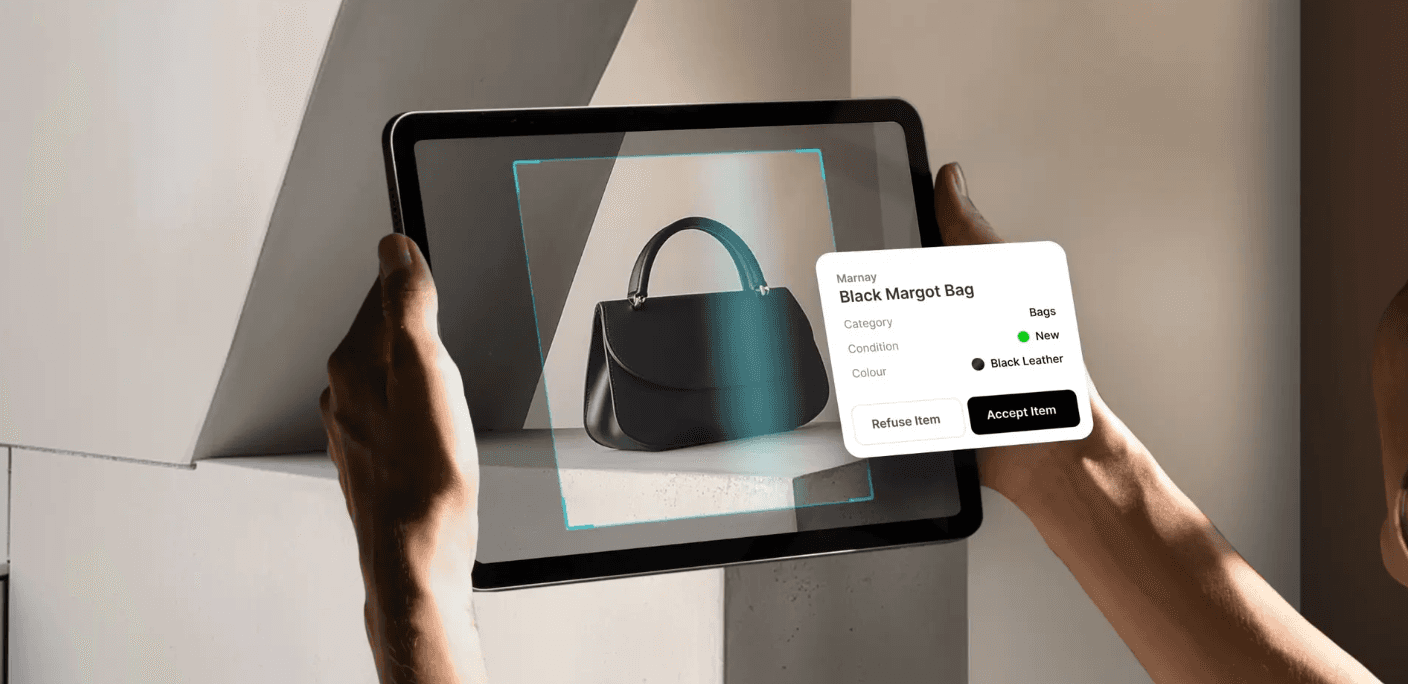
The Input: You take a photo of a handwritten delivery note.
The Process: Glide AI "reads" the photo, identifies what is a "Quantity," what is a "Product Name," and what is a "Signature."
The Result: It maps those specific values directly into your database columns. No typing required.
Why This is a "Force Multiplier" for Your Business
If you are a business owner, you shouldn't just care that this is "cool tech." You should care because it directly impacts your bottom line.
1. Eliminating "Transcription Friction"
Human error is a silent profit killer. A technician misreading their own handwriting and entering 100 units instead of 10 can ruin your inventory accuracy for a month. AI doesn’t get tired, and it doesn't misplace decimals.
2. From Data to Decisions: Instant Visibility
If your team handles paper forms, you usually don't see that data in your system until the next day (or the next week). With Glide AI, the moment the photo is snapped, the data is live. Your dashboard updates instantly, allowing you to make decisions based on what is happening now, not what happened yesterday.
3. Employee Retention
Nobody joins a company because they love data entry. By removing the "Admin Hour," you allow your experts to focus on what they are actually good at—solving problems, fixing equipment, or closing sales.
Real-World Implementation: The "Snapshot" Workflow
Imagine a custom app built by Swift Struck for a construction firm.
Before: Workers manually log every material delivery on a clipboard.
After: They open their custom Glide app, hit "Scan Invoice," and walk away.
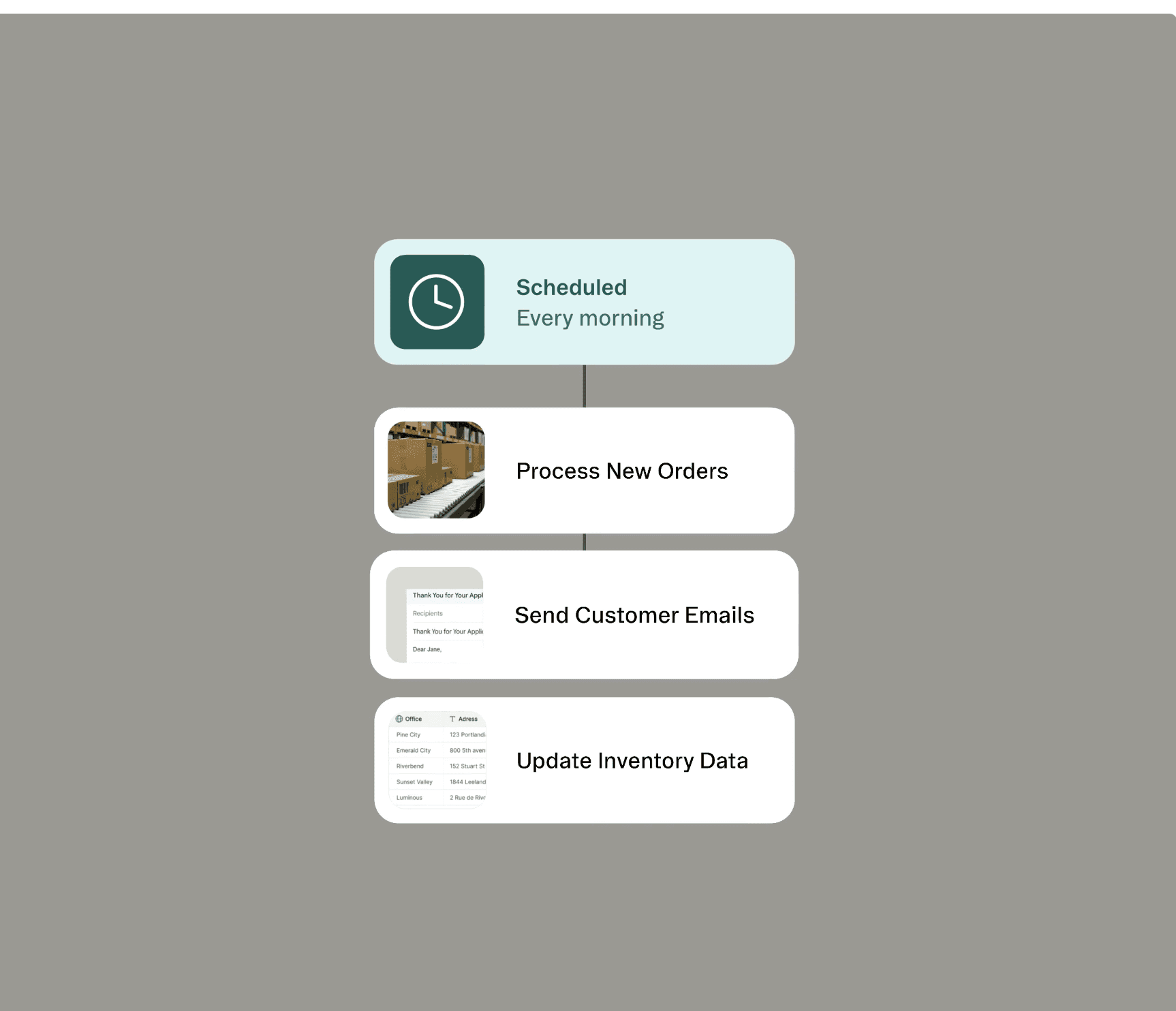
The AI extracts the vendor name, the PO number, and the total cost. If the total exceeds a certain amount, the app automatically triggers a notification to the manager for approval.
This is the transition from "Digital Paperwork" to an "Automated Workflow."
The Swift Struck Advantage
The feature is the tool, but the architecture is the solution. While anyone can flip a switch in Glide to enable AI, the real value lies in knowing where that data should go and what actions it should trigger.
At Swift Struck, we don't just "add AI" to your app. We look at your manual bottlenecks and build an intelligent system that learns your business's specific language.
Is your team still losing an hour a day to manual data entry? Let's build a smarter way to work.